Get Started in Minutes

Setting up Sama is simple. Follow these steps to start streaming live TV on your Android TV or Firestick.

1

Install the App

Download Sama from the Google Play Store on your Android TV. For Amazon Firestick, use the Downloader app to sideload it, or search for "Sama" in the Amazon Appstore.
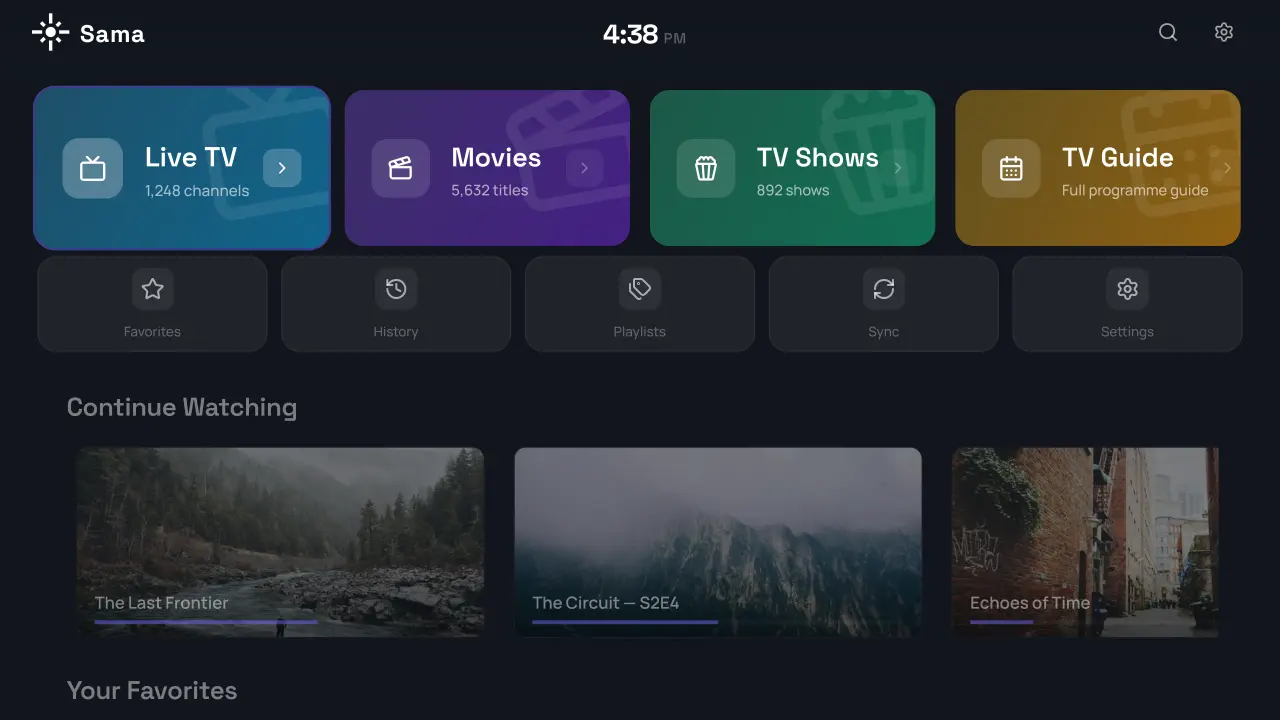
Install Sama
2

Create Your Account

Open Sama and enter your email address. You'll receive a 4-digit one-time code to verify your identity. No passwords to create or remember — it's secure by design.
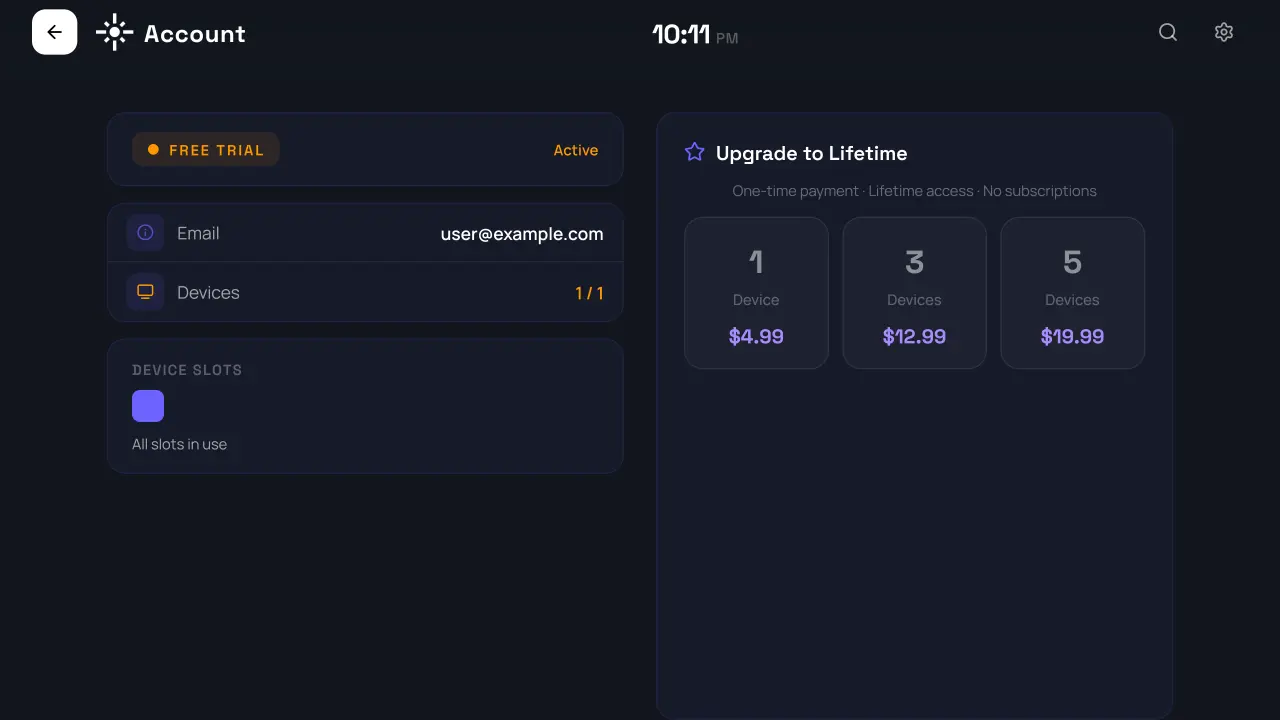
Create Account
3

Add Your IPTV Playlist

Navigate to the Playlists section and add your IPTV subscription details: the server URL, username, and password from your IPTV provider. Sama connects via the Xtream Codes API for the best experience.
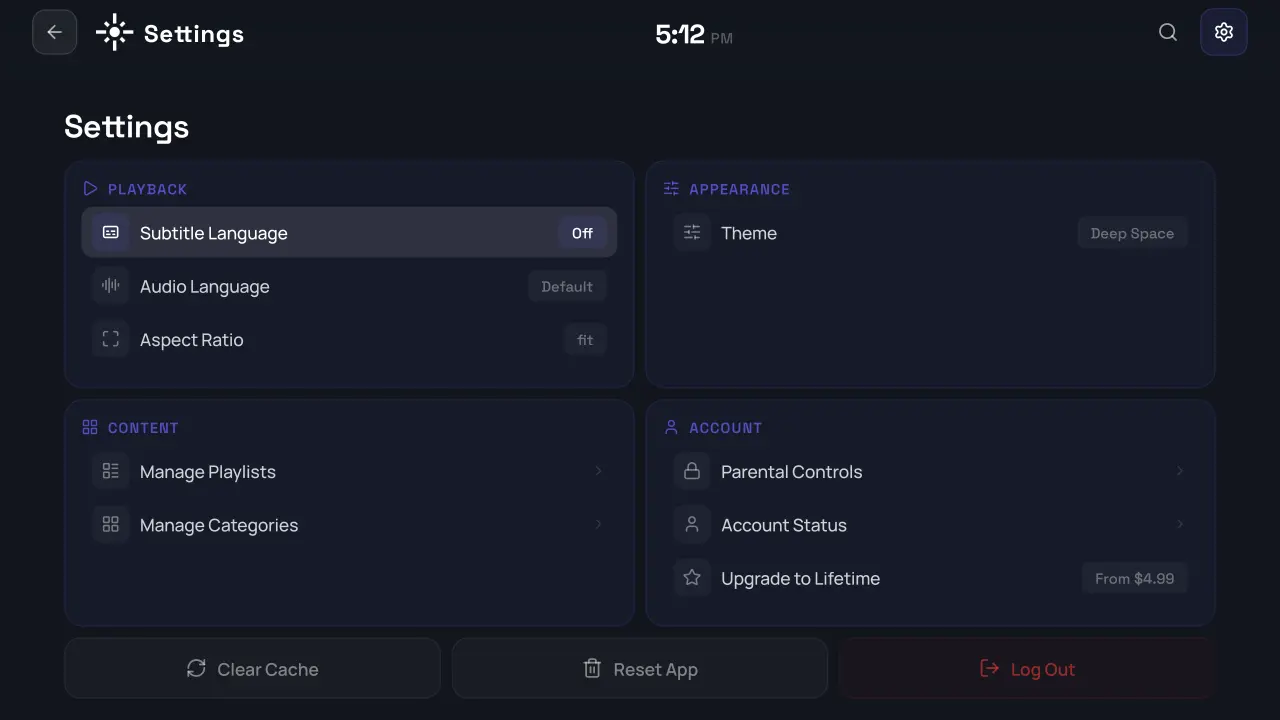
Add Playlist
4

Start Watching

That's it! Browse live TV channels, explore the EPG, watch movies and series, or catch up on shows you missed. Everything syncs to your account, so adding a new device is just a sign-in away.
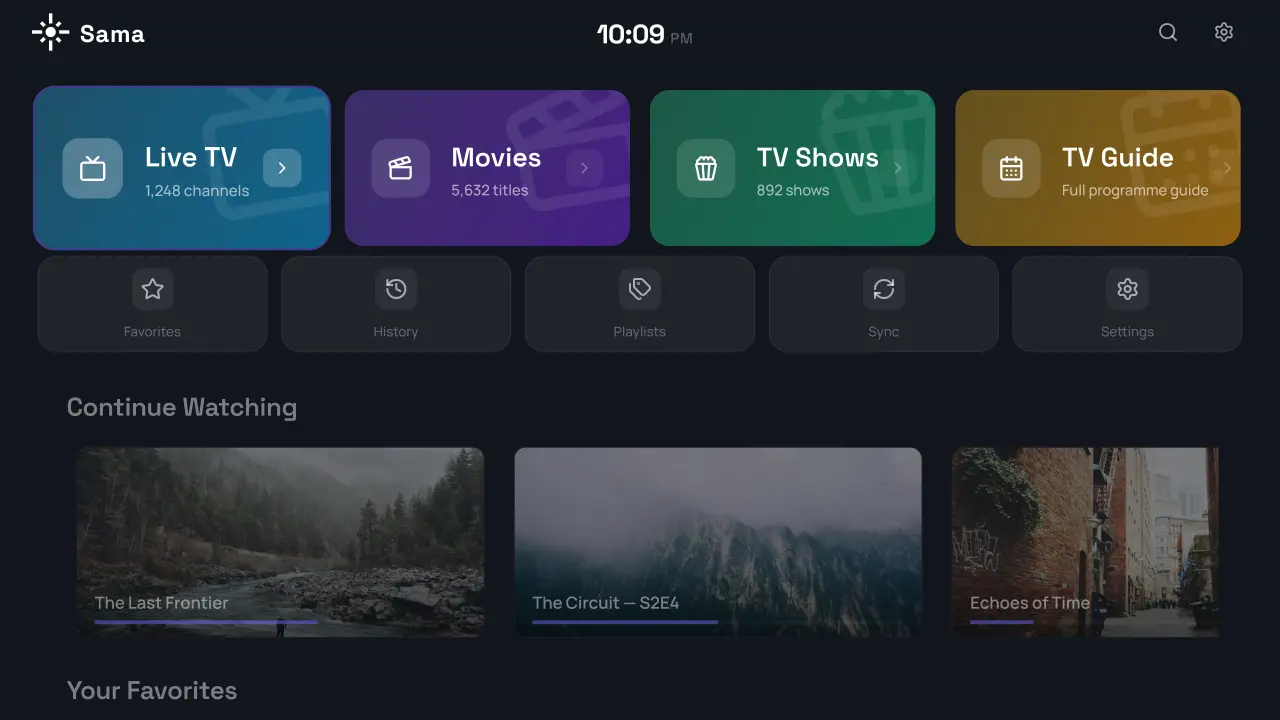
Start Watching

Frequently Asked Questions

Does Sama provide IPTV channels or content?
No. Sama is a player application. You need your own IPTV subscription from a provider. Sama connects to your provider's server using the credentials they give you.
What devices are supported?
Sama works on Android TV devices (Sony, TCL, Hisense, etc.), Amazon Firestick (all models), Nvidia Shield, and Chromecast with Google TV.
Can I use multiple IPTV subscriptions?
Yes! Sama supports multiple playlists. Add as many IPTV providers as you want and switch between them with one tap.
Is my data secure?
Absolutely. Sama uses passwordless OTP authentication, encrypted token storage, and your playlist credentials are stored securely in your account. We never share your data with third parties.
Can I manage my account from a computer?
Yes. Sign in to the web dashboard to manage your playlists, registered devices, parental controls, and account settings from any browser.
What happens if my subscription expires?
Sama will show an expiration notice and restrict access to streaming features. Once you renew with your provider, everything works again automatically.

Ready to get started?

Try Sama free for 7 days — no payment needed.

Start Free Trial
Sama IPTV Player is a media player application only. It does not provide, host, or distribute any streaming content, channels, or playlists. Users are solely responsible for the content they access.